Callastream | Easy Digital Signage
Your CallaStream Dashboard.
In Your Pocket.
Manage your digital signage screens, media, and playlists from anywhere — right from your Android phone or tablet. No laptop needed.

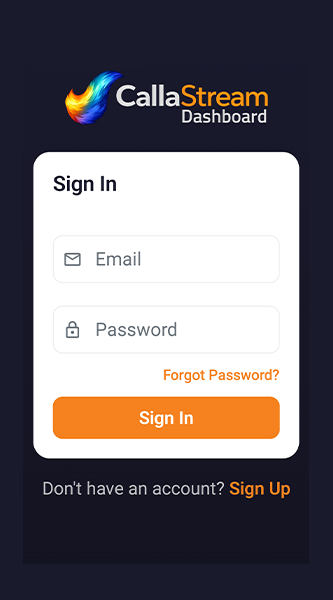
Everything you need, in your pocket
The CallaStream Dashboard app gives you full control over your digital signage from anywhere.
Screen Management
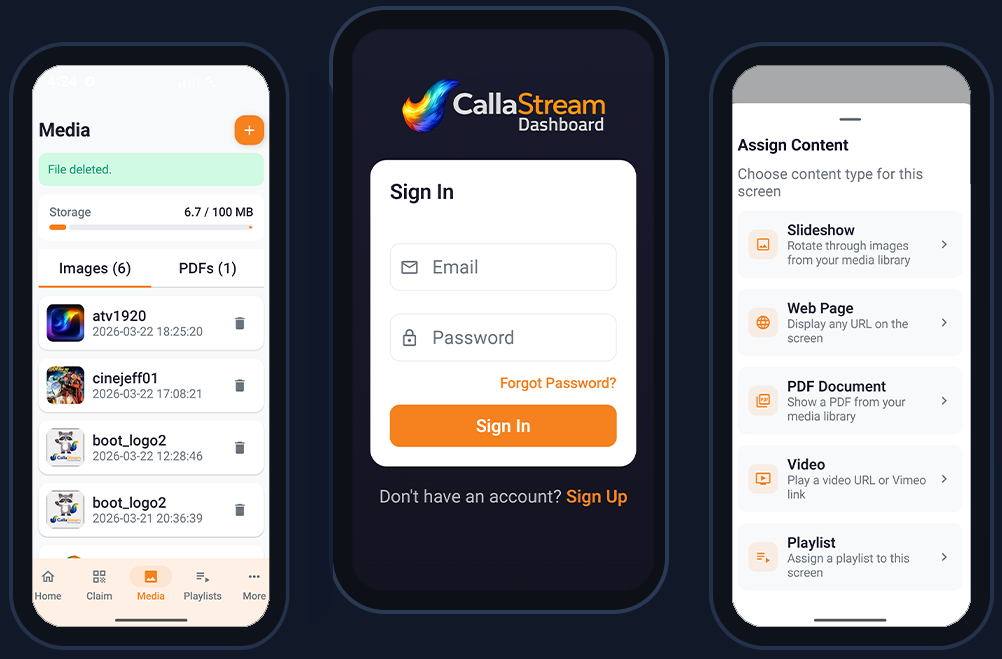
View all your screens, check online status, and assign content with a few taps. See what's playing on any screen in real time.
Media Library
Upload images and videos directly from your phone's camera roll to your CallaStream media library instantly.
Playlist Builder
Create and edit playlists, reorder items, and push updates to screens instantly — all from your phone.
Claim a Screen
Enter the activation code shown on any display to claim and register it to your account instantly.
Works Offline
View your screen list and account details even when your connection is spotty. Syncs when you're back online.
Account Overview
See your plan, license usage, and billing info at a glance from the home screen. Always know where you stand.
Install in 3 easy steps
Now available on the Google Play Store — install in seconds and you're ready to go.
Open Google Play
Tap the "Download from Google Play" button above, or search for "CallaStream Dashboard" in the Play Store on your Android phone or tablet.
Tap Install
Hit the Install button on the Play Store listing. The app downloads and installs automatically — no extra settings or permissions to configure.
Sign In & Go
Open the app, sign in with your CallaStream account credentials, and you're in. All your screens and media are already waiting for you.
App Preview
Requirements & version history
📋 Requirements
🔄 Version History
FAQ
Yes — the Dashboard app connects to your CallaStream account. You can create a free account at callastream.com/dashboard-v2 and start a 7-day free trial. Credit card required at signup — cancel before day 8 and you won't be charged.
Yes — the CallaStream Dashboard app is live on the Google Play Store. Tap the "Download from Google Play" button at the top of this page, or search for "CallaStream Dashboard" directly in the Play Store on your Android device.
The native app is Android-only at this time. iOS users can access the full dashboard by visiting callastream.com/dashboard-v2 in Safari — it is fully mobile-optimized and works great on iPhone.
Yes — since the app is on the Google Play Store, updates install automatically whenever a new version is released, just like any other Play Store app. No manual downloads required.
No — they are two different apps. The Dashboard app is for managing your screens from your phone. The Player app is installed on the device connected to your display (Fire Stick, Android TV, etc.) and shows your content on screen.
Manage your screens from anywhere
Download the CallaStream Dashboard app and take full control of your digital signage — from your couch, from the road, from anywhere.
No account? Create one free →